
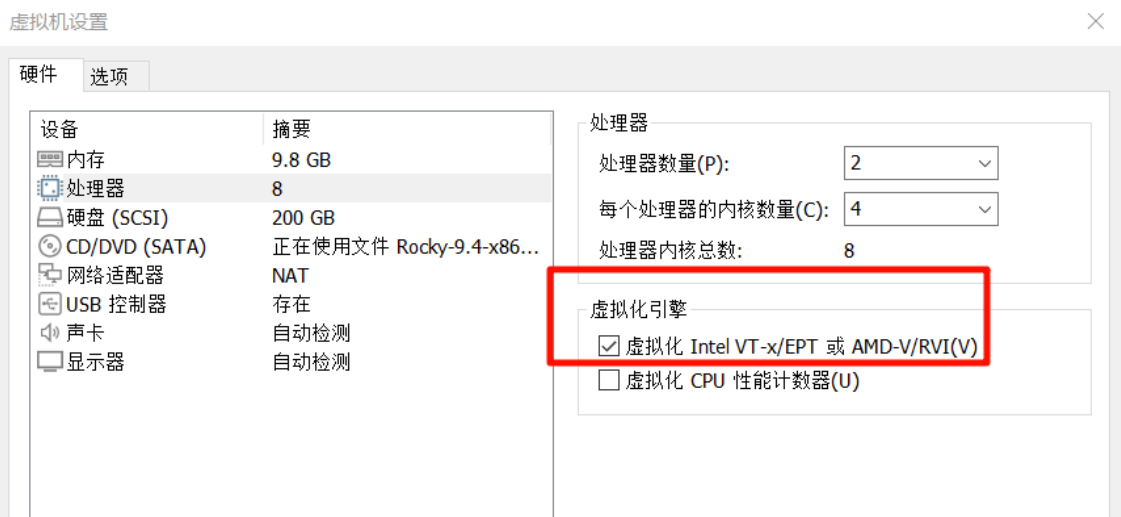
OpenNebula介绍 OpenNebula 是一个开源的云计算平台,主要用于创建和管理虚拟化环境。它被设计成一个轻量级且易于使用的解决方案,适用于私有云、公有云以及混合云环境。以下是 OpenNebula 的主要特点和功能概述: 主要特点 多平台支持: OpenNebula 支持多种虚
 2025-02-10
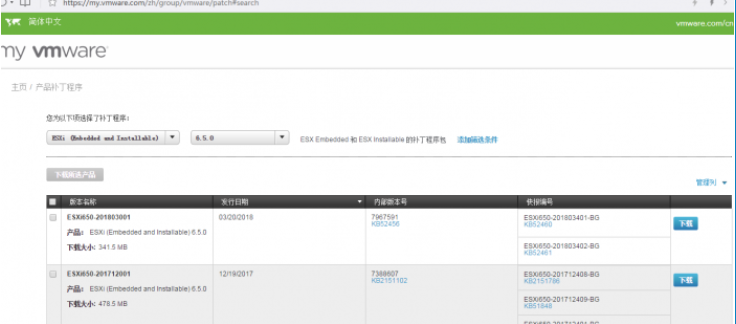
一、升级前的准备工作 去VMWARE官网下载补丁包,地址:http://www.vmware.com/patchmgr/download.portal(需要注册账号,请自行注册) 目前有两种补丁形式: 1、每月提供的补丁包,文件名为:“ESXi650-201710001”,下载后是zi
2024-12-23
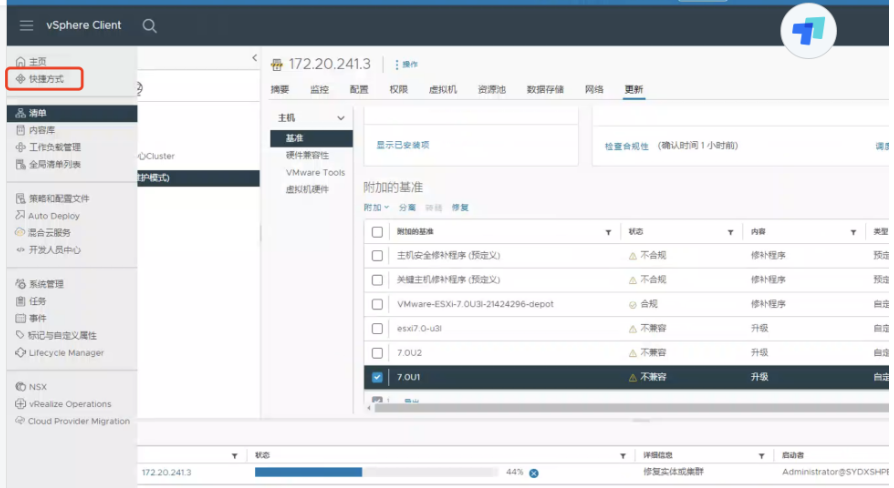
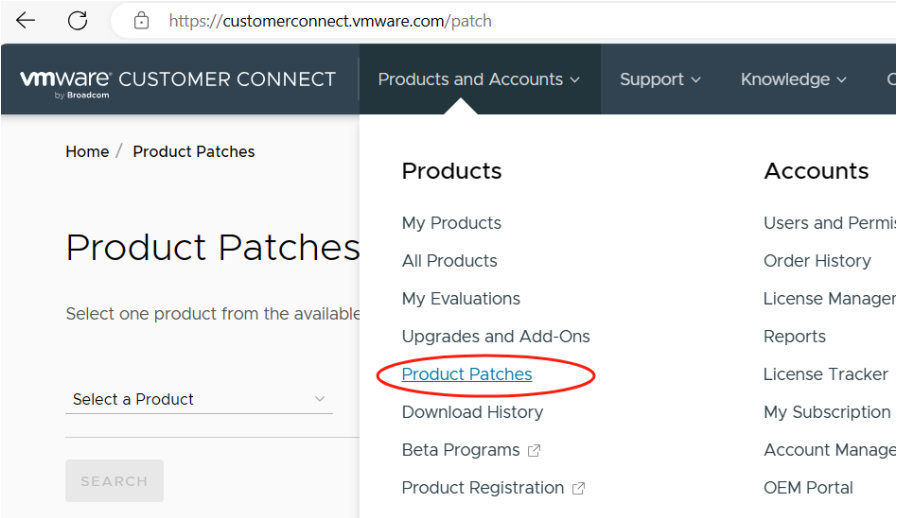
1、查看当前VMware vsphere 版本信息,使用putty登录控制台 vmware -v 使用命令查看到ESX主机的版本为VMware-ESXi-8.0U2-22380479 2、到vmware 官网下载新版本补丁。 官方网站补丁链接:Login | VMware C
2024-12-19
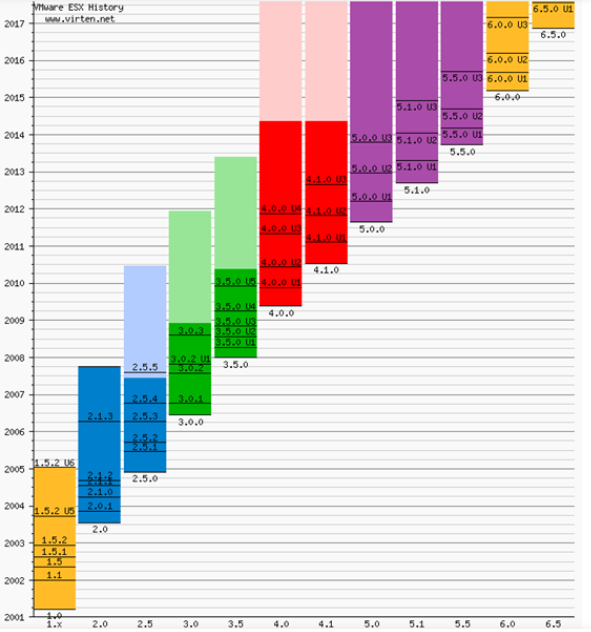
he following listings are a comprehensive collection of the flagship hypervisor product by VMware. All bold versions are downloadable releases. All pa
2024-12-18

1.下载Esxi软件 ps:选择产品。 ps:选择版本。 ps:根据授权选择产品。 ps:跳转至下载页面。 ps:通过cli安装需要使用这个zip包。 2.上传软件到共享存储 3.esxi主机开启ssh服务,并
2024-12-17
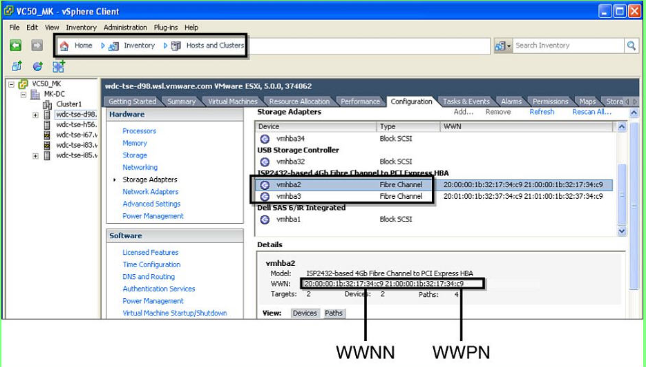

1.查看HBA卡固件 /usr/lib/vmware/vmkmgmt_keyval/vmkmgmt_keyval -a 2. vmware 版本 vmware -v 3.网卡信息查询 esxcfg-nics -l 4.网卡驱动版本查询 ethtool -i
2024-12-16
Issue/Introduction Symptoms: In VCSA 6.0, the /storage/log/vmware/cloudvm/cloudvm-ram-size.log file size increases without log rotation. The
 2024-11-27

[Fixed] vCenter Failed to Start File System Check and Network Service Encountering issues such as "vCenter Failed to Start File System Check" and "vC
2024-11-08