
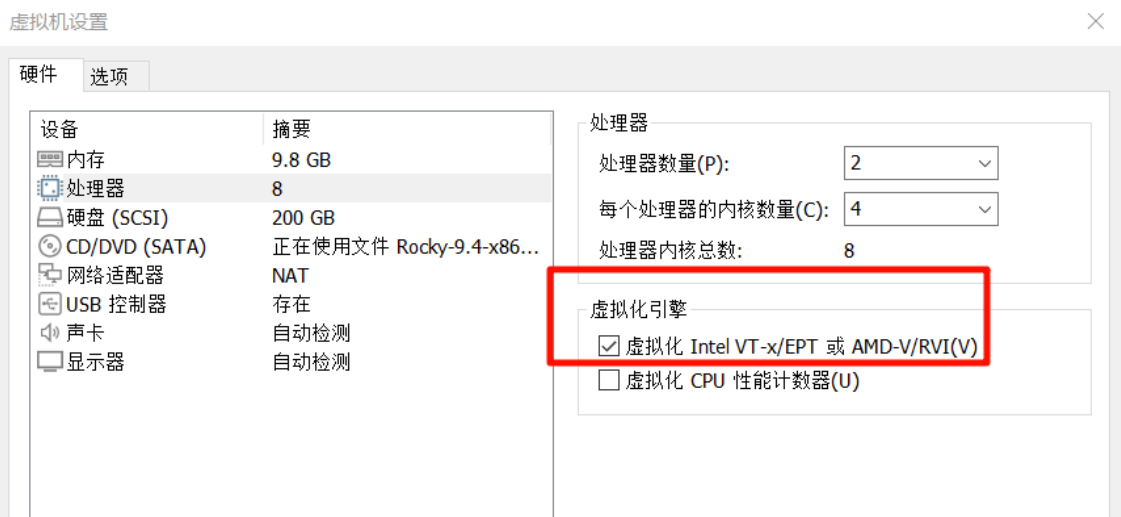
OpenNebula介绍 OpenNebula 是一个开源的云计算平台,主要用于创建和管理虚拟化环境。它被设计成一个轻量级且易于使用的解决方案,适用于私有云、公有云以及混合云环境。以下是 OpenNebula 的主要特点和功能概述: 主要特点 多平台支持: OpenNebula 支持多种虚
 2025-02-10
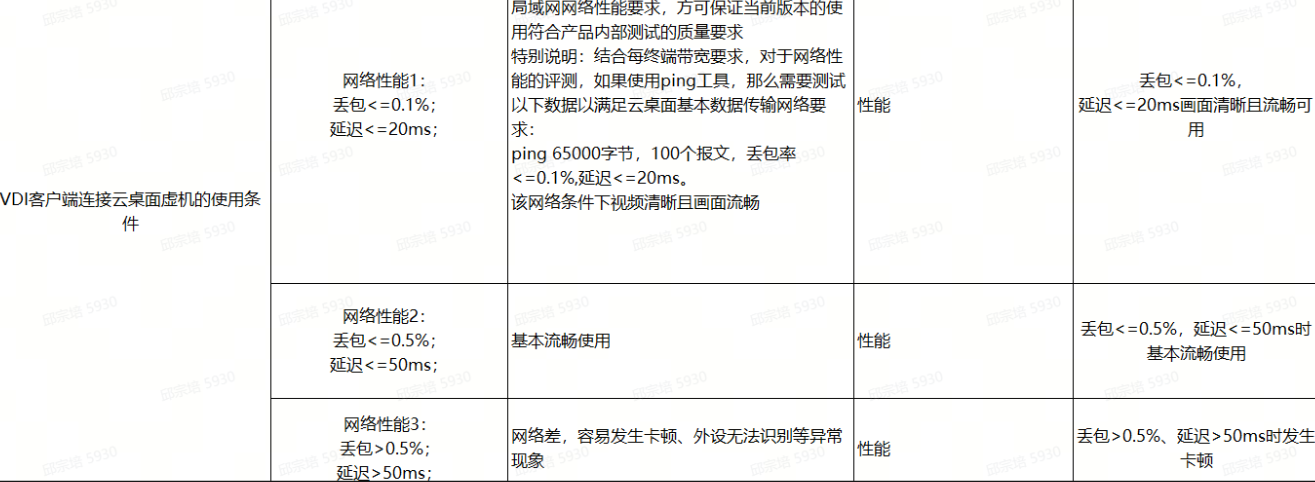
一、故障现象 VDI终端或软客户端连接登陆虚拟机后出现闪退现象。 二、可能原因 1、检查是否终端与服务器之间网络环境存在丢包延迟问题,或到服务器之间网络端口限制。 2、检查是否软客户端运行的PC系统环境是否存在组件服务异常或运行环境异常。 三、排查步骤 步骤一:虚拟机桌面出现闪退现象后,
 2025-01-16

在探讨现代计算技术的创新时,您是否会产生云桌面是虚拟机吗的疑惑。云桌面,作为一种通过网络提供桌面环境的技术,确实与虚拟机有着千丝万缕的联系,但它与虚拟机在用途、管理与交互以及架构层次上存在着显著的差异,本文将详细解释这一问题。 1.云桌面是什么? 云桌面(Cloud Desktop)是一种通过网
2025-01-14
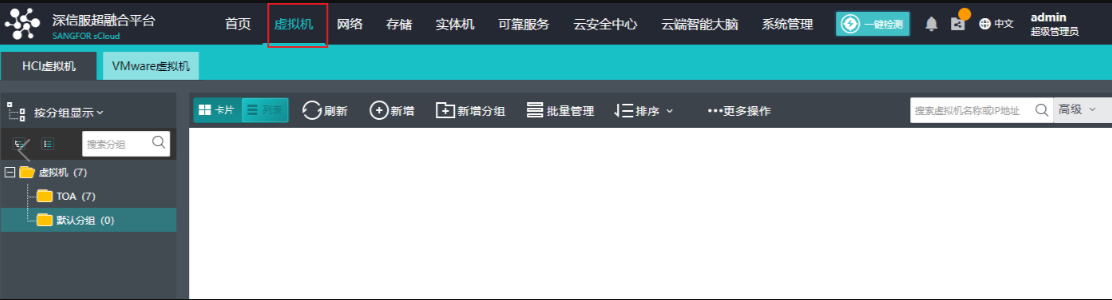
创建虚拟机 登录深信服超融合平台,按照图下所示选择虚拟机 在想要新增虚拟机的分组里,右键,点击新增虚拟机 在弹出的窗口里设置好虚拟机名称和操作系统,其他的选项按照需求自己设定 处理器、内存、磁盘大小按照需求设定好,网络需要点击图下所示位置进行设置
2025-01-09
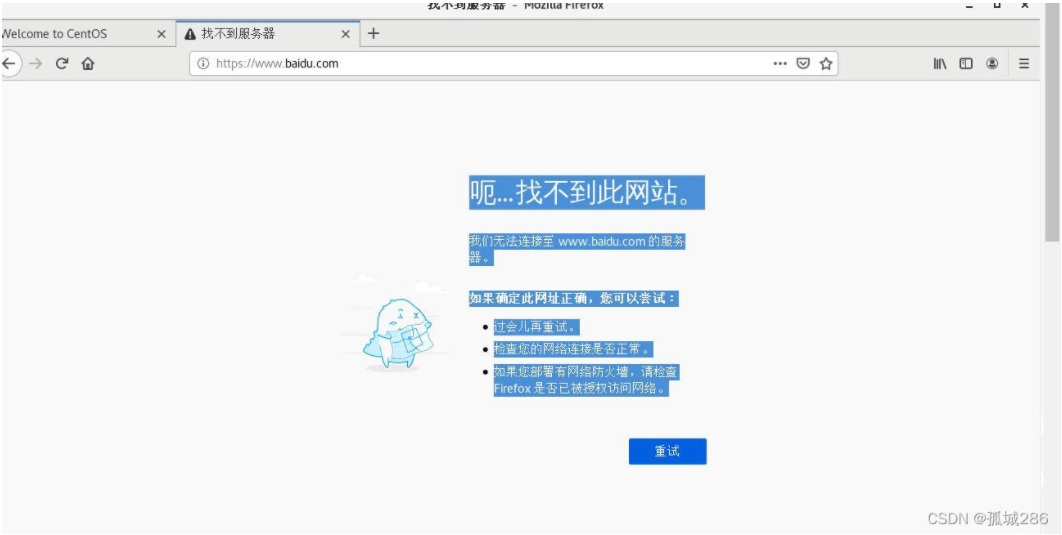
比较傻瓜是的方法,很简单! 当然也可能问题不一样! 首先,无法连接网络问题: 解决:右键点击桌面——更换背景——找到网络选项——打开即可
 2024-12-27
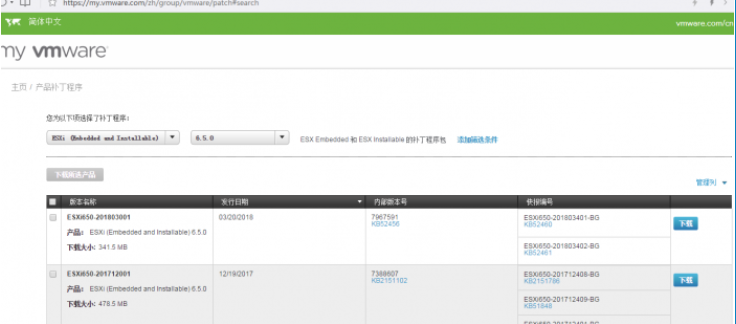
一、升级前的准备工作 去VMWARE官网下载补丁包,地址:http://www.vmware.com/patchmgr/download.portal(需要注册账号,请自行注册) 目前有两种补丁形式: 1、每月提供的补丁包,文件名为:“ESXi650-201710001”,下载后是zi
2024-12-23
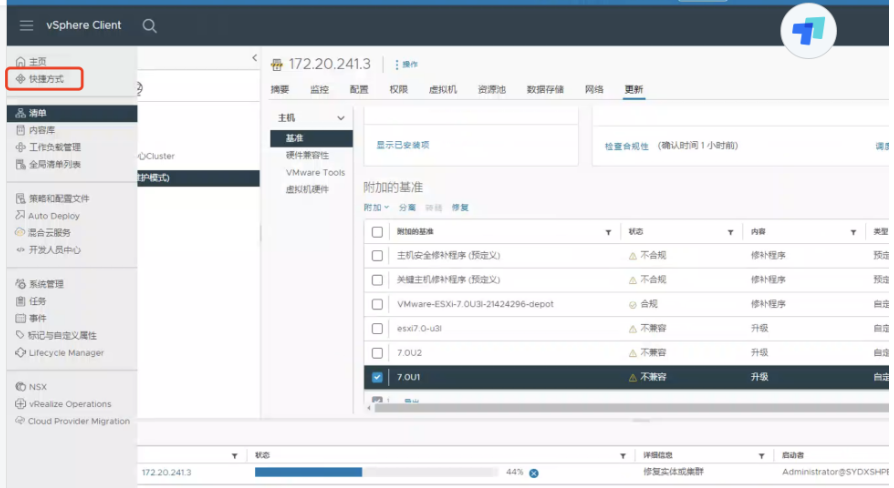
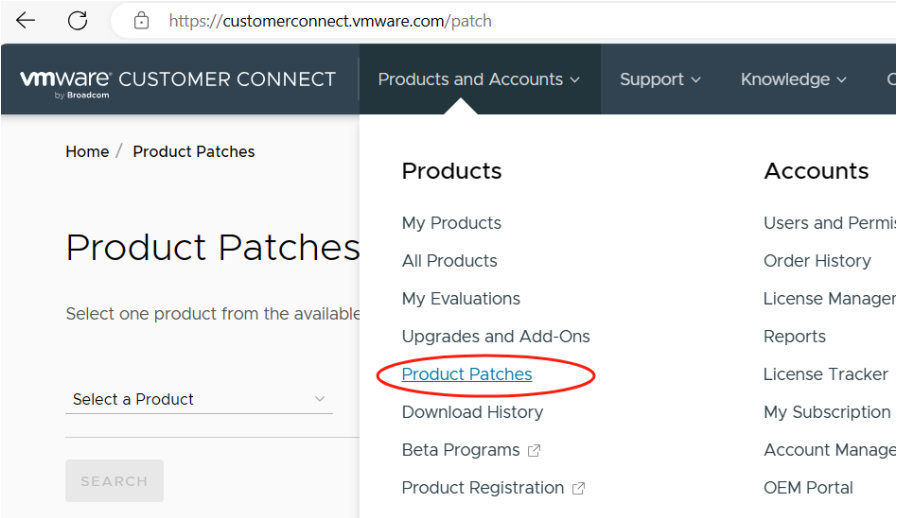
1、查看当前VMware vsphere 版本信息,使用putty登录控制台 vmware -v 使用命令查看到ESX主机的版本为VMware-ESXi-8.0U2-22380479 2、到vmware 官网下载新版本补丁。 官方网站补丁链接:Login | VMware C
2024-12-19
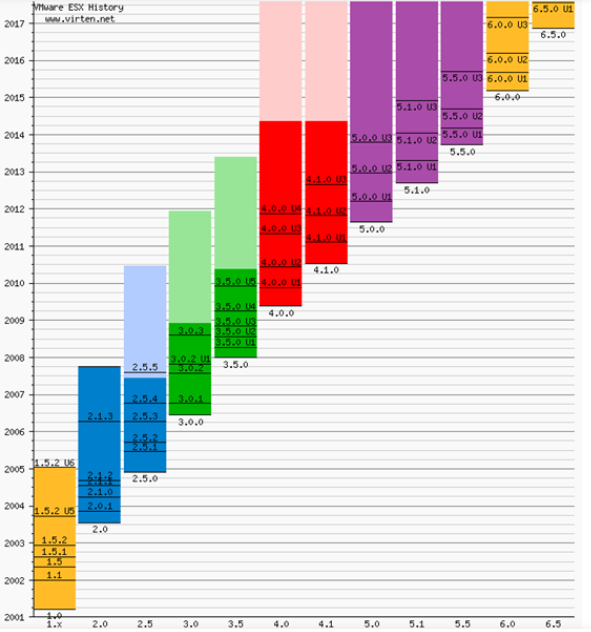
he following listings are a comprehensive collection of the flagship hypervisor product by VMware. All bold versions are downloadable releases. All pa
2024-12-18

1.下载Esxi软件 ps:选择产品。 ps:选择版本。 ps:根据授权选择产品。 ps:跳转至下载页面。 ps:通过cli安装需要使用这个zip包。 2.上传软件到共享存储 3.esxi主机开启ssh服务,并
2024-12-17